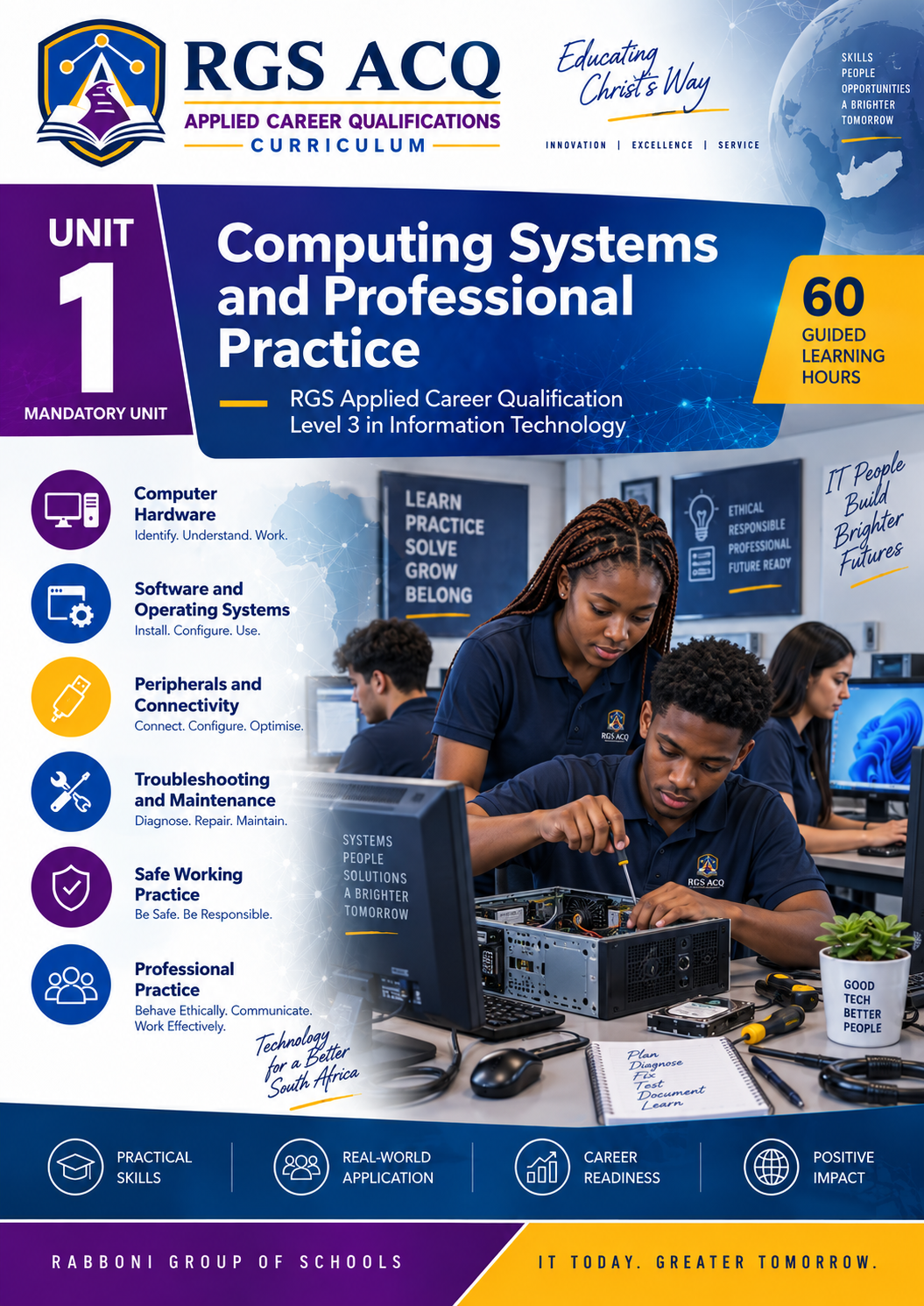
ACQ Level 3 IT: Computing Systems and Professional Practice
RGSRGS Applied Career Qualifications
Computing Systems and
Professional Practice
Level 3 Information Technology • Unit 1 • Mandatory Unit
Technical Knowledge • Practical Capability • Professional Judgement

Guided Learning Hours
Guided Delivery
Learning Per Day
Core Competencies
About This Unit
Computing Systems and Professional Practice is a mandatory foundation unit in the RGS Applied Career Qualification Level 3 in Information Technology. It introduces learners to the technologies, practical working methods and professional responsibilities that support modern computing environments.
Learners will investigate how computer hardware, software, operating systems, applications, users and organisational requirements work together to form complete computing systems. They will develop practical capability through supervised laboratory work, system investigations, configuration exercises, maintenance activities and structured troubleshooting scenarios.
The unit also develops professional judgement. Learners will examine cybersecurity, information protection, ethical technology use, accessibility, sustainability, communication and the responsibilities associated with working in information technology.
Unit purpose: To prepare learners to inspect, configure, maintain, troubleshoot, secure and evaluate computing systems in a safe, professional and responsible manner.
Unit Structure
Competency Areas
Computing Hardware, Software and Operating Environments
Investigate computing devices, internal components, peripherals, storage, operating systems, firmware, applications, file formats and accessibility technologies.
System Configuration, Maintenance and Troubleshooting
Configure operating systems, manage users and storage, install devices, perform preventive maintenance, diagnose faults and document technical support work.
Professional Practice, Security and Ethical Technology Use
Develop professional conduct, cybersecurity awareness, ethical judgement, policy knowledge, accessibility awareness and responsible technology practices.
Integrated learning: A further 25 GLH is allocated to orientation, consolidation, the capstone project, revision and the Final Unit Theory Examination.
How You Will Learn
Learning combines technical theory with supervised practical experience. Lessons will be delivered through explanations, demonstrations, workshops, investigations, guided exercises, case studies, discussions and realistic organisational scenarios.
Concepts, systems and professional principles.
Installation, configuration and maintenance.
Fault diagnosis and technical support.
Security, ethics and communication.
Your Development
What You Will Be Able to Do
- Explain how hardware, software, operating systems, applications and users combine to form a computing system.
- Interpret technical specifications and recommend suitable computing solutions.
- Inspect computing components and peripherals using safe handling procedures.
- Install, configure and test operating systems, software, storage, devices and user environments.
- Perform preventive maintenance and document completed work.
- Apply structured troubleshooting methods to hardware, software and connectivity problems.
- Apply cybersecurity controls and responsible information-handling practices.
- Communicate technical information clearly to technical and non-technical audiences.
- Make ethical, legal, accessible and sustainable technology decisions.
- Design, configure, support and evaluate an integrated computing solution.
Evidence of Achievement
Assessment and Grading
Assessment is continuous and combines practical evidence, applied assignments, knowledge checks and a controlled final examination.
Projects and Practicals
Four compulsory assessments
Final Theory Examination
One compulsory examination
Quizzes and Exercises
Six activities; lowest one dropped
Homework
Three tasks; lowest one dropped
Compulsory Practical Assessments
- Assignment 1: Fit-for-Purpose Computing Environment
- Assignment 2: Configure, Maintain and Restore
- Assignment 3: Secure and Responsible IT Practice
- Integrated Capstone Project: Complete Computing Solution
All three Competency Area assignments, the Integrated Capstone Project and the Final Unit Theory Examination are compulsory and cannot be dropped.
Achievement Bands
Distinction
Merit
Pass
Not Yet Achieved
To pass the unit, learners must achieve a final weighted result of at least 50%, meet the practical assessment requirements and submit all compulsory assessment evidence.
Learner Requirements
- Basic computer literacy and a willingness to develop advanced technical skills.
- Regular access to a suitable computer and approved practical laboratory equipment.
- Reliable access to the RGS Learning Management System (LMS) and available internet services.
- Participation in supervised practical activities and technical demonstrations.
- Completion of assignments, practical evidence, homework, quizzes and the examination.
- Safe, ethical, respectful and responsible use of technology.
Academic and Technical Support
Meet Your Course Staff
Programme Coordinator
Provides academic leadership and oversees programme standards, assessment schedules, learner progress, quality assurance and coordination between participating schools.
Unit Instructors
Deliver specialist lessons, practical demonstrations and technical guidance while providing assessment feedback and individual academic support throughout Unit 1.
Staff names, profiles, consultation arrangements and contact information will be published before teaching begins.
Frequently Asked Questions
How long does Unit 1 take?
The unit provides 130 guided learning hours, normally delivered over 26 weekdays at five guided-learning hours per day.
Is Unit 1 compulsory?
Yes. Computing Systems and Professional Practice is a mandatory unit in the RGS Applied Career Qualification Level 3 in Information Technology.
Will I complete practical work?
Yes. Practical work is essential and includes system inspection, installation, configuration, maintenance, troubleshooting, security activities and the Integrated Unit Capstone Project.
Which browser should I use?
The Learning Management System (LMS) works best with current versions of Google Chrome, Microsoft Edge, Mozilla Firefox or Safari.
Programme Evaluation Notice
The RGS Applied Career Qualification Level 3 in Information Technology is an independently developed institutional programme currently under evaluation. No equivalence to an International A Level, national qualification or other regulated award is claimed unless and until formal evaluation and accreditation are completed.
Educating Christ’s Way